Claude Code with DeepSeek
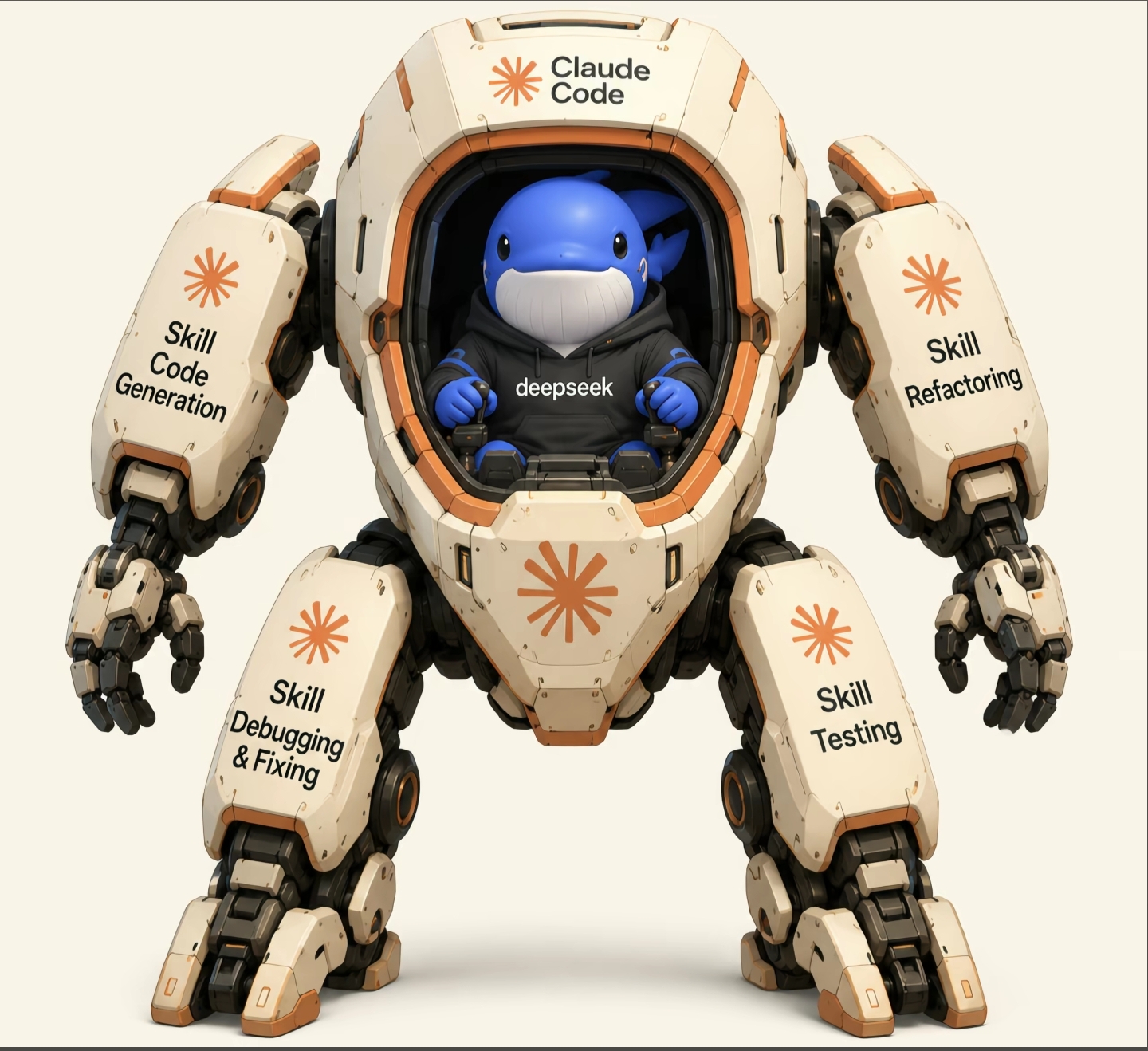
Many developers love Claude Code’s terminal-first workflow but want lower API costs and more model choices. Using DeepSeek through CCSwitch is one way to get both.
You keep the Claude Code interface (file editing, tool calling, agent workflows) while routing the actual model requests to DeepSeek V4 Pro or V4 Flash. This guide covers how to set it up, how the models compare, and whether it makes sense for your workflow.
Why use DeepSeek with Claude Code?
Claude Code handles the tool side well: terminal integration, repository awareness, file editing, and agent workflows. The main drawback is cost. Heavy usage adds up fast.
DeepSeek costs less, responds quickly, and handles large contexts. For routine coding work, the combination works well. You get Claude Code’s workflow layer with DeepSeek’s cheaper inference.
If you need to set up Claude Code first, start with the installation guide.
How it works
The architecture is straightforward:
Claude Code
      │
      ▼
   CCSwitch
      │
      ▼
 DeepSeek API
      │
      ▼
 DeepSeek Model
Claude Code handles reading files, editing code, running tools, and managing workflows. DeepSeek provides the model that drives the responses. CCSwitch sits in the middle translating between the two.
How to configure Claude Code with CCSwitch
Step 1: Get a CCSwitch API key
Create a CCSwitch account and grab your API endpoint and key.
Step 2: Set environment variables
Linux / macOS:
export ANTHROPIC_BASE_URL=https://your-endpoint.com
export ANTHROPIC_API_KEY=your-api-key
Windows PowerShell:
$env:ANTHROPIC_BASE_URL="https://your-endpoint.com"
$env:ANTHROPIC_API_KEY="your-api-key"
Step 3: Launch Claude Code
or use ccswitch connect deep seek api(How to Install Claude Code (with VS Code) on Windows step5)
claudeIf the environment variables are set, Claude Code sends requests through CCSwitch automatically.
Step 4: Pick a DeepSeek model
Available models depend on your provider, but common options include DeepSeek V4 Pro and DeepSeek V4 Flash.
DeepSeek V4 Pro vs V4 Flash
The right choice depends on what you are doing day to day.
DeepSeek V4 Pro handles large repositories, refactoring, multi-step reasoning, and agent workflows. It reasons better and generates more accurate code, but costs more and responds slightly slower.
DeepSeek V4 Flash is for daily coding, quick debugging, content creation, and lightweight tasks. It costs less and outputs faster, but struggles with complex codebases and makes more mistakes on hard problems.
A practical approach: use Flash for routine work and switch to Pro when you need stronger reasoning.
Pricing comparison
Pricing changes depending on your provider. Generally:
| Model | Relative Cost | Speed | Coding Ability | Reasoning |
|---|---|---|---|---|
| DeepSeek V4 Flash | Lowest | Excellent | Good | Medium |
| DeepSeek V4 Pro | Low | Good | Very Good | High |
| Claude Sonnet | High | Good | Excellent | Excellent |
| GPT-5 | High | Good | Excellent | Excellent |
| Gemini 2.5 Pro | Medium | Good | Very Good | High |
If you are trying to reduce API expenses, DeepSeek gives you good value for the cost.
Related articles:
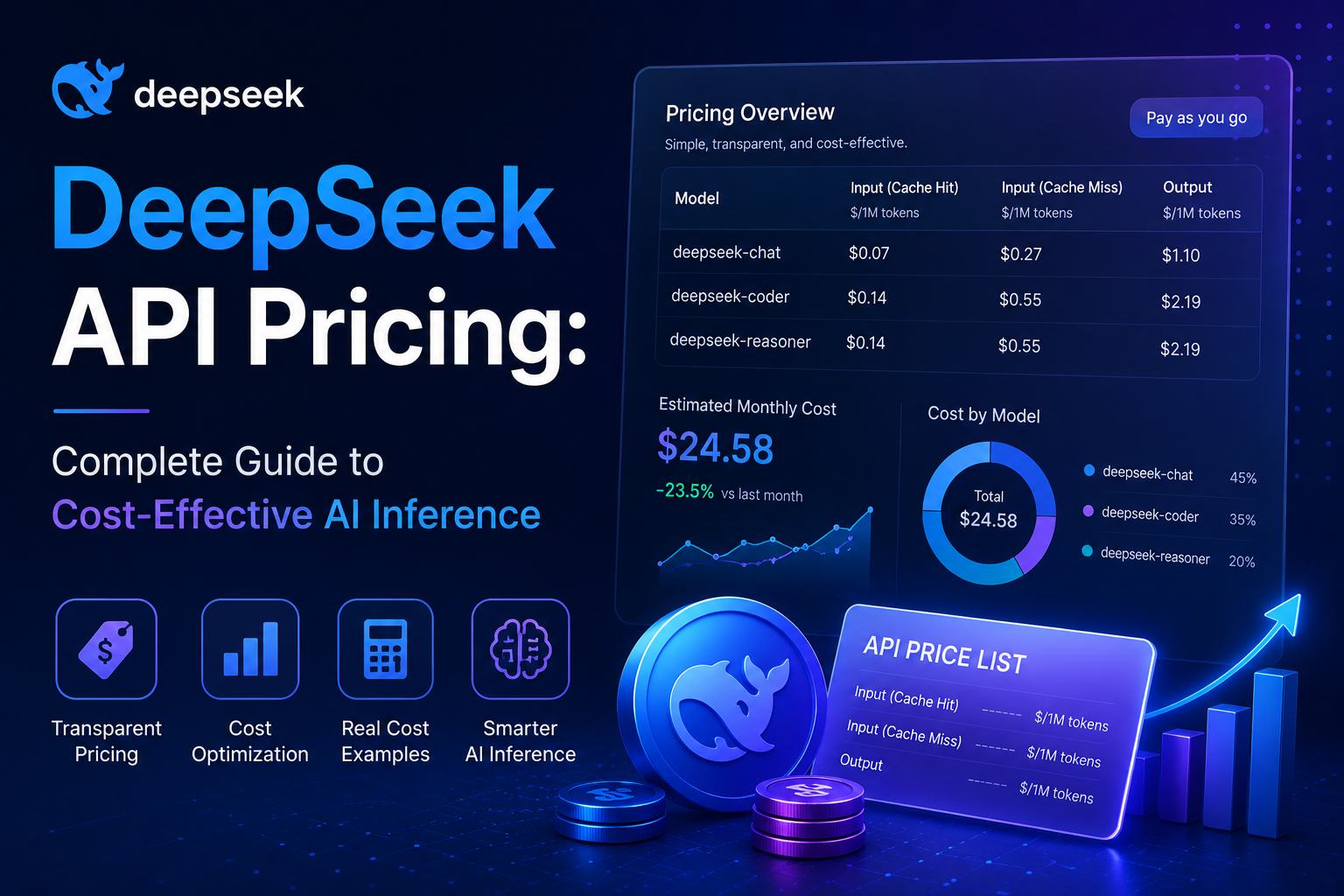
- Detailed DeepSeek pricing — Full breakdown of input/output token costs
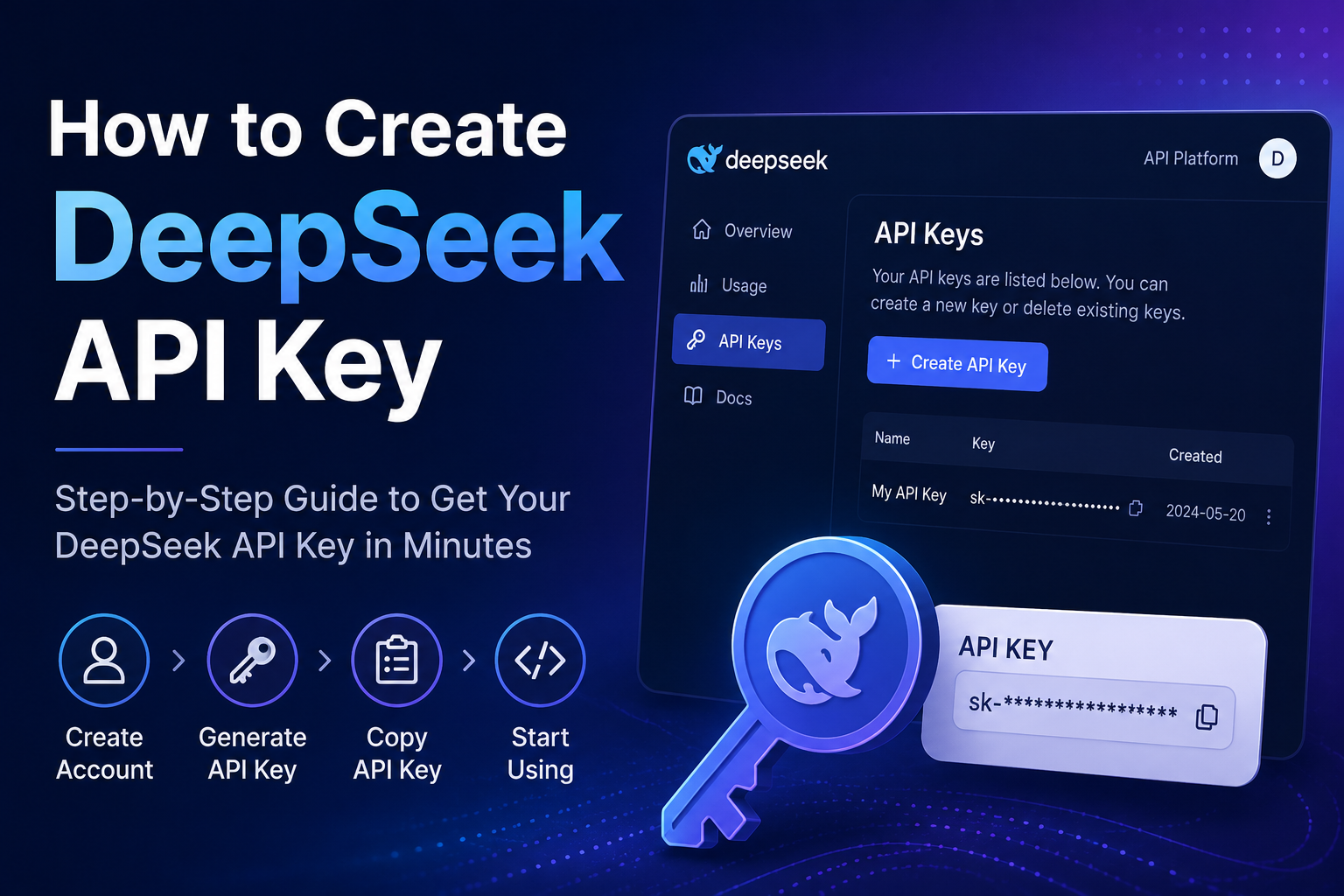
- Get your API key — Step-by-step guide to create a DeepSeek API key
- Configure your Claude.md — Set up project instructions for Claude Code
How DeepSeek compares to other models
Claude Sonnet still leads on long-context understanding, agent behavior, repository navigation, and consistent code quality. DeepSeek wins on cost and speed. If quality is the priority, stick with Claude. If budget matters, DeepSeek gives better value.
GPT-5 has strong reasoning, follows instructions well, and has broad general knowledge. DeepSeek costs less and competes on coding performance. GPT-5 is stronger overall, but DeepSeek offers a better price-to-performance ratio for coding.
Gemini 2.5 Pro brings massive context windows and Google ecosystem integration. DeepSeek costs less to run. Gemini makes sense if you are already in Google’s ecosystem. DeepSeek is the more economical choice otherwise.
Which model should you choose?
Pick DeepSeek V4 Flash for daily coding when cost matters and most tasks are simple. Pick DeepSeek V4 Pro for large projects where you need stronger reasoning and accuracy matters more than speed.
A common strategy is to use Flash for routine work and switch to Pro for complex tasks.
Frequently asked questions
Can Claude Code use DeepSeek?
Yes, through providers like CCSwitch that expose compatible API endpoints.
Is DeepSeek cheaper than Claude?
In most cases, significantly cheaper than Claude Sonnet.
Which model is better for coding?
Claude Sonnet generally produces higher quality code. DeepSeek gives you better cost efficiency.
Should I choose DeepSeek V4 Pro or V4 Flash?
Use Flash for everyday coding. Use Pro for larger, more complex projects.
Does CCSwitch support DeepSeek?
Yes, CCSwitch can route Claude Code requests to supported DeepSeek models depending on your account configuration.
Final thoughts
Combining Claude Code with DeepSeek through CCSwitch cuts costs significantly while keeping a workflow layer that is genuinely useful. Flash handles the daily grind. Pro steps in when you need better reasoning. Whether the trade-off in quality is worth it depends on what you are building and what your budget looks like.