How to Create DeepSeek API Key: 2026 Complete Guide
If you are wondering how to create DeepSeek API key for your AI projects, this guide covers everything you need. DeepSeek offers one of the most cost-effective LLM APIs on the market, with generous free credits for new users and an OpenAI-compatible format that makes integration effortless.
In this tutorial, you will learn:
- ✅ How to create DeepSeek API key in minutes
- ✅ Is DeepSeek API free — what you get without paying
- ✅ How to use DeepSeek API with practical code examples
Let’s get started.
Quick Overview: DeepSeek API at a Glance
| Feature | Details |
|---|---|
| Free credits | 5 million tokens for new accounts (no credit card required) |
| API format | OpenAI‑compatible — use existing OpenAI SDKs directly |
| Base URL | https://api.deepseek.com |
| Latest model | deepseek-v4-pro / deepseek-v4-flash |
| Context window | 1M tokens — industry-leading length |
| Authentication | Bearer token with API key |
Part 1: How to Create DeepSeek API Key
Step 1: Visit the DeepSeek API Platform
Open your browser and go to platform.deepseek.com. This is the official API platform where you manage your API keys, view usage statistics, and handle billing.
Step 2: Sign Up for an Account
Click the sign-up button and register using your email address or phone number. Once you have verified your account, log in to access the user dashboard.
💡 Tip: No credit card is required to sign up. The free tier credits are available immediately after registration.
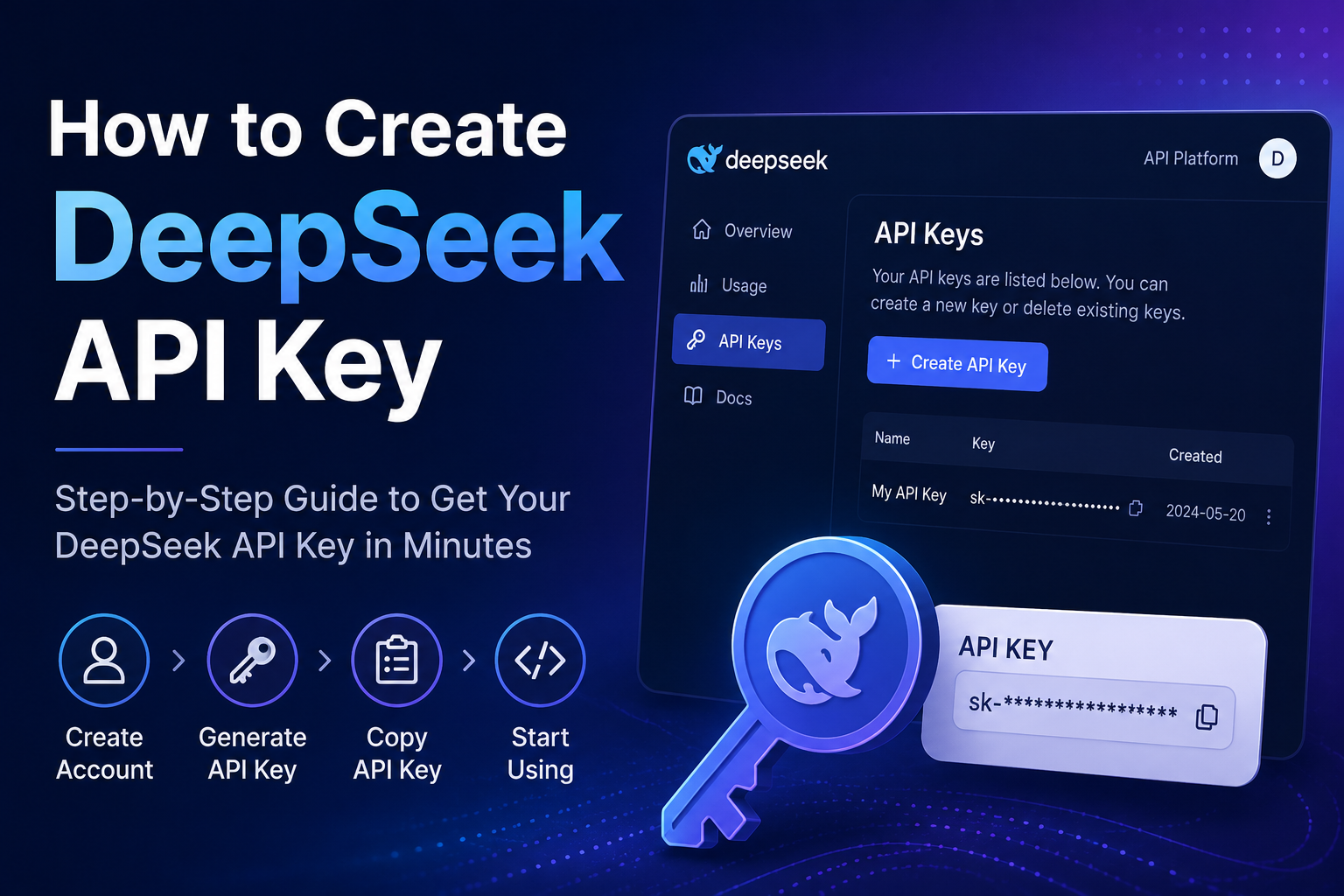
Step 3: Navigate to the API Keys Section
After logging in, locate the left sidebar menu. Click on “API Keys” to enter the key management page.
Step 4: Create a New API Key
Click the “Create API Key” button. A pop-up window will appear asking you to name your key. Choose a descriptive name like my-app or production-key so you can identify it later. Then confirm the creation.
Step 5: Copy and Save Your API Key Immediately
Once created, the system will display your new API key — a long string starting with sk-. Copy it and save it in a secure location right away. This is the only time DeepSeek shows the full key value. If you close the dialog without saving, you will need to delete the key and create a new one.
⚠️ Critical: Never commit your API key to public repositories or expose it in client-side code. Use environment variables or a secrets manager for storage.
Step 6: Add Credits (Optional but Recommended)
To use the API beyond the free tier, you need to add a payment method and top up your balance. Go to the “Top up” section, select an amount, and complete the payment. The minimum top-up is generally around $2 USD.
You can monitor your credit usage and set low-balance alerts in the “Usage” dashboard.
Part 2: Is DeepSeek API Free?
✅ Yes — DeepSeek offers a generous free tier for new users.
New accounts receive 5,000,000 free tokens upon sign-up. No credit card is required to claim these credits.
How Much Can 5 Million Free Tokens Do?
At current DeepSeek V4 pricing ($0.28 per 1M input tokens, $0.42 per 1M output tokens), the 5M free token grant is worth approximately $3.40 of paid usage. For a solo developer building a prototype, this can last nearly a month with disciplined usage.
💡 Tips to Maximize Your Free Credits
- Use context caching: DeepSeek automatically caches shared prompt prefixes. Cache hits cost only $0.028 per 1M input tokens — 90% cheaper than regular input.
- Set
max_tokenslimits: Always cap output tokens to avoid wasteful generation. One simple parameter can slash token consumption by over 90%. - Choose the right model: For standard tasks, use
deepseek-v4-flashinstead ofdeepseek-v4-proordeepseek-reasoner. The reasoning model can burn 3x to 6.7x more tokens than V4. - Avoid sending full RAG documents in every prompt: This quickly consumes your free balance.
🔓 Free Alternative: DeepSeek Web Chat
DeepSeek also offers a fully functional web interface at chat.deepseek.com that is completely free with no subscription tier.
However, the web chat does not provide programmatic access. For developers building automated applications, the API with its free credits is the right choice.
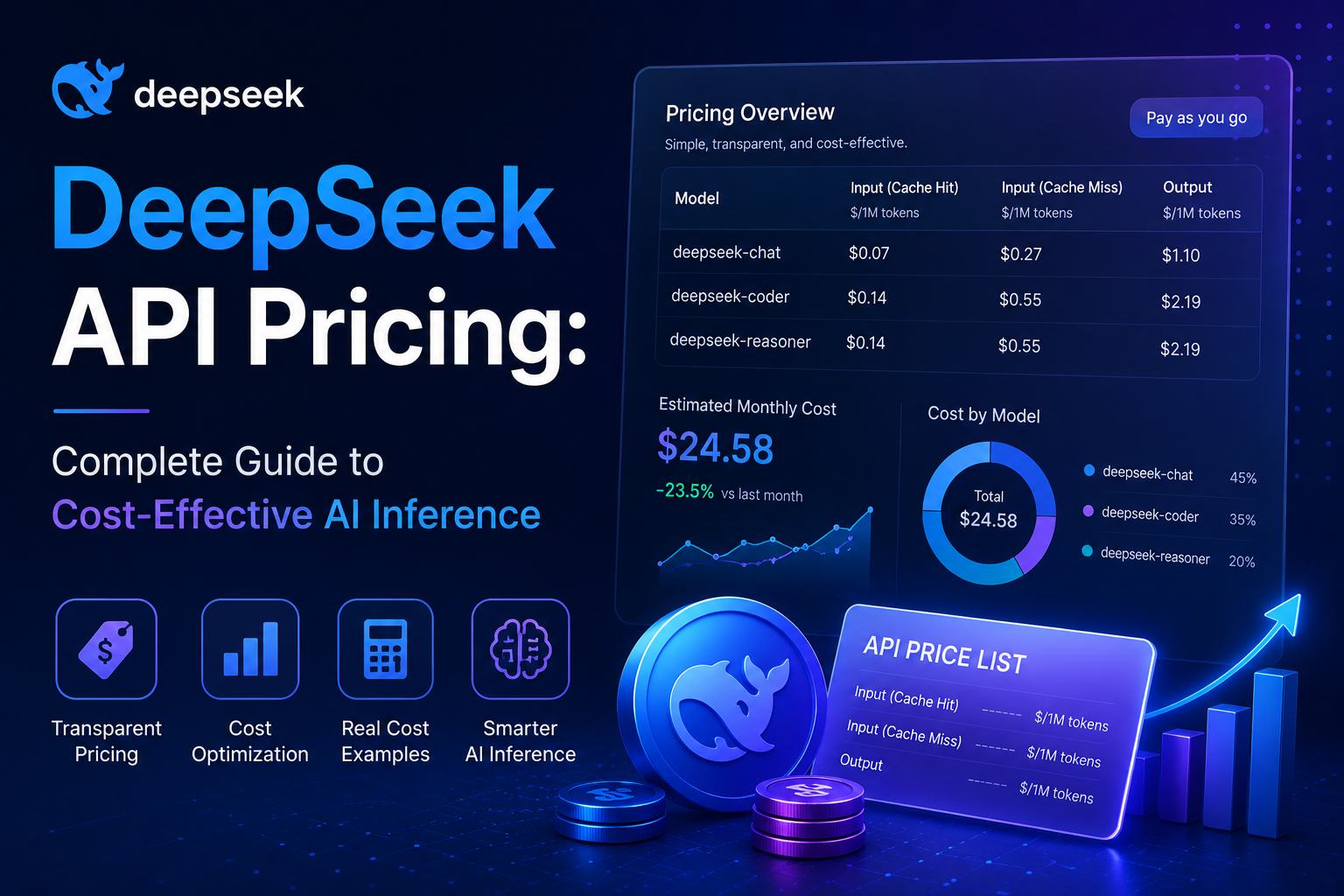
💰 Paid Pricing Overview (After Free Credits)
| Token Type | Cost per 1M Tokens |
|---|---|
| Input (cache hit) | $0.028 |
| Input (cache miss) | $0.28 |
| Output | $0.42 |
Pricing data from DeepSeek official documentation. Rates may change — check official pricing page for the latest information.
Part 3: How to Use DeepSeek API
Why DeepSeek’s API is So Easy to Use
DeepSeek uses an OpenAI-compatible API format. This means any existing code that works with OpenAI’s API can be adapted to DeepSeek by changing just two things: the base_url and your api_key.
Supported Models (As of June 2026)
| Model ID | Description |
|---|---|
deepseek-v4-pro | Expert model for complex reasoning tasks (1.6T total parameters) |
deepseek-v4-flash | Lightweight model for fast responses (284B total parameters) |
deepseek-chat | Deprecating on July 24, 2026 — migrate to deepseek-v4-flash |
deepseek-reasoner | Deprecating on July 24, 2026 — equivalent to deepseek-v4-flash thinking mode |
DeepSeek recommends migrating from legacy model names before July 24, 2026. Both variants support a 1M-token context window and three reasoning modes: non-thinking, thinking, and thinking_max.
🐍 Python Example: First API Call
Make sure you have the OpenAI SDK installed:
pip install openaiThen run this script:
from openai import OpenAI
import os

# Initialize the client with your DeepSeek API key
client = OpenAI(
    api_key=os.environ.get("DEEPSEEK_API_KEY"),  # Or paste your key directly as a string
    base_url="https://api.deepseek.com"
)

# Make a chat completion request
response = client.chat.completions.create(
    model="deepseek-v4-pro",
    messages=[
        {"role": "system", "content": "You are a helpful assistant."},
        {"role": "user", "content": "Explain what an API key is in two sentences."}
    ],
    stream=False
)

# Print the response
print(response.choices[0].message.content)
Code adapted from DeepSeek API documentation and NxCode DeepSeek V4 API Guide.
💻 JavaScript / Node.js Example
import OpenAI from "openai";

const client = new OpenAI({
    baseURL: "https://api.deepseek.com",
    apiKey: process.env.DEEPSEEK_API_KEY,
});

async function main() {
    const completion = await client.chat.completions.create({
        model: "deepseek-v4-pro",
        messages: [
            { role: "system", content: "You are a helpful assistant." },
            { role: "user", content: "Hello, world!" },
        ],
    });
    console.log(completion.choices[0].message.content);
}

main();
Code adapted from DeepSeek API documentation.
🔧 cURL Example (for testing)
curl https://api.deepseek.com/v1/chat/completions \
  -H "Content-Type: application/json" \
  -H "Authorization: Bearer $DEEPSEEK_API_KEY" \
  -d '{
    "model": "deepseek-v4-pro",
    "messages": [
      {"role": "user", "content": "Explain deep learning in one sentence."}
    ]
  }'
Request format adapted from DeepSeek API documentation.
⚙️ Key Parameters to Know
| Parameter | Description |
|---|---|
model | Choose between deepseek-v4-pro (complex tasks) or deepseek-v4-flash (fast responses) |
messages | Array of conversation turns, each with role and content |
stream | Set to true for token-by-token streaming responses; false for complete response at once |
max_tokens | Always set this to cap output length — crucial for controlling costs |
thinking | Enable reasoning mode: {"type": "enabled"} for enhanced complex task performance |
reasoning_effort | Controls thinking depth: low, medium, or high |
temperature | Controls randomness (0–2). DeepSeek recommends 1.0 as default — avoid copying GPT defaults |
Parameter recommendations adapted from DeepSeek API documentation and Apidog DeepSeek V4 API guide.
🛡️ Best Practices for Using DeepSeek API
-
Store keys securely: Use environment variables or a secrets manager. Never hardcode API keys into your source code.
-
Set
max_tokenson every request: This simple practice can prevent unexpected token burns and dramatically extend your free credits. -
Use project-scoped keys: For production applications, create separate API keys per project rather than using your account master key.
-
Monitor your usage regularly: Check the “Usage” page on the platform dashboard to track token consumption and remaining balance.
-
Enable context caching: DeepSeek caches shared prompt prefixes automatically. Design your prompts with reusable system instructions to take advantage of 90% cheaper input costs ($0.028/1M tokens instead of $0.28/1M).
-
Test without burning credits: Use tools like Apidog to replay and test API requests before committing them to production code.
❓ Frequently Asked Questions
Q1: How to create DeepSeek API key without a credit card?
Yes. You can sign up for a DeepSeek account and generate an API key without providing any payment information. The 5 million free tokens are available immediately after registration.
Q2: Is DeepSeek API free forever?
The free tier provides 5 million tokens upfront. Once exhausted, you must top up your balance to continue using the API. However, DeepSeek’s paid rates are among the lowest in the industry — as low as $0.028 per 1M input tokens with cache hits.
Q3: Can I use DeepSeek API with existing OpenAI code?
Absolutely. DeepSeek’s API is fully OpenAI-compatible. Just change the base_url to https://api.deepseek.com and use your DeepSeek API key instead of your OpenAI key. All other code remains the same.
Q4: What is the difference between deepseek-v4-pro and deepseek-v4-flash?
deepseek-v4-pro has 1.6 trillion total parameters with 49 billion active per inference, designed for complex reasoning tasks. deepseek-v4-flash has 284 billion total parameters with 13 billion active, optimized for low-latency applications and faster response times.
Q5: How do I check my remaining free credits?
Log into platform.deepseek.com/usage. The dashboard displays your current balance and usage history. You can also export detailed usage data in CSV format for deeper analysis.
Summary
Let’s recap everything you have learned:
| Question | Answer |
|---|---|
| How to create DeepSeek API key? | Sign up at platform.deepseek.com → Navigate to API Keys → Click “Create API Key” → Copy & Save |
| Is DeepSeek API free? | Yes — new accounts get 5M free tokens with no credit card required |
| How to use DeepSeek API? | Use OpenAI SDK with base_url https://api.deepseek.com and your API key — code examples above |
DeepSeek offers one of the most developer-friendly LLM APIs available today. The combination of generous free credits, OpenAI-compatible format, and extremely competitive pricing makes it an excellent choice for both prototyping and production workloads.
Next steps:
- Use DeepSeek with Claude Code — Route Claude Code requests through DeepSeek
- Full pricing comparison — Detailed breakdown of input/output token costs
Start building your AI application today — your free 5 million tokens are waiting.
📘 For complete API reference and advanced features (tool calling, JSON mode, function calling), visit the official DeepSeek API documentation.